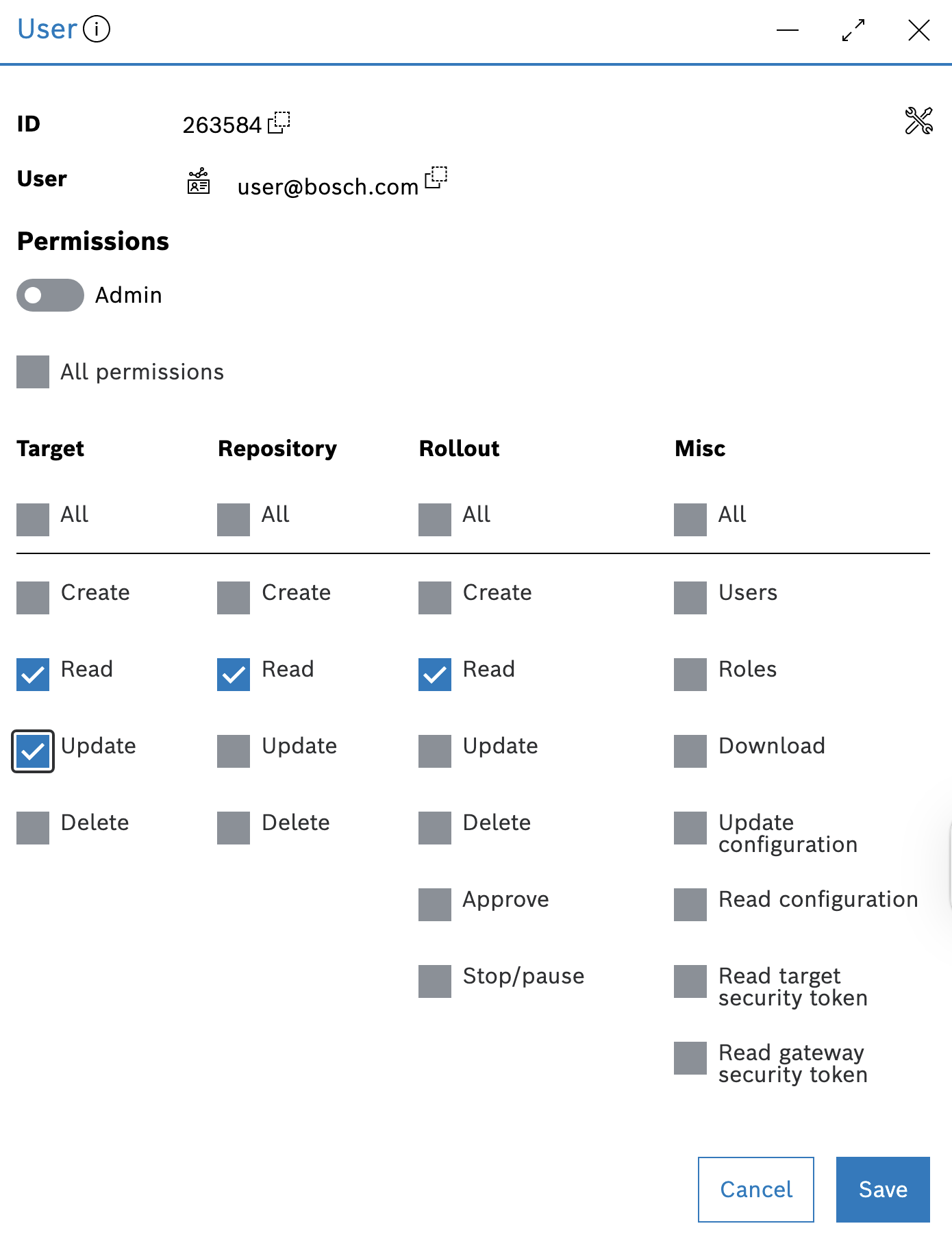
Updating a user is simple. Follow the steps below to modify the user’s permissions.
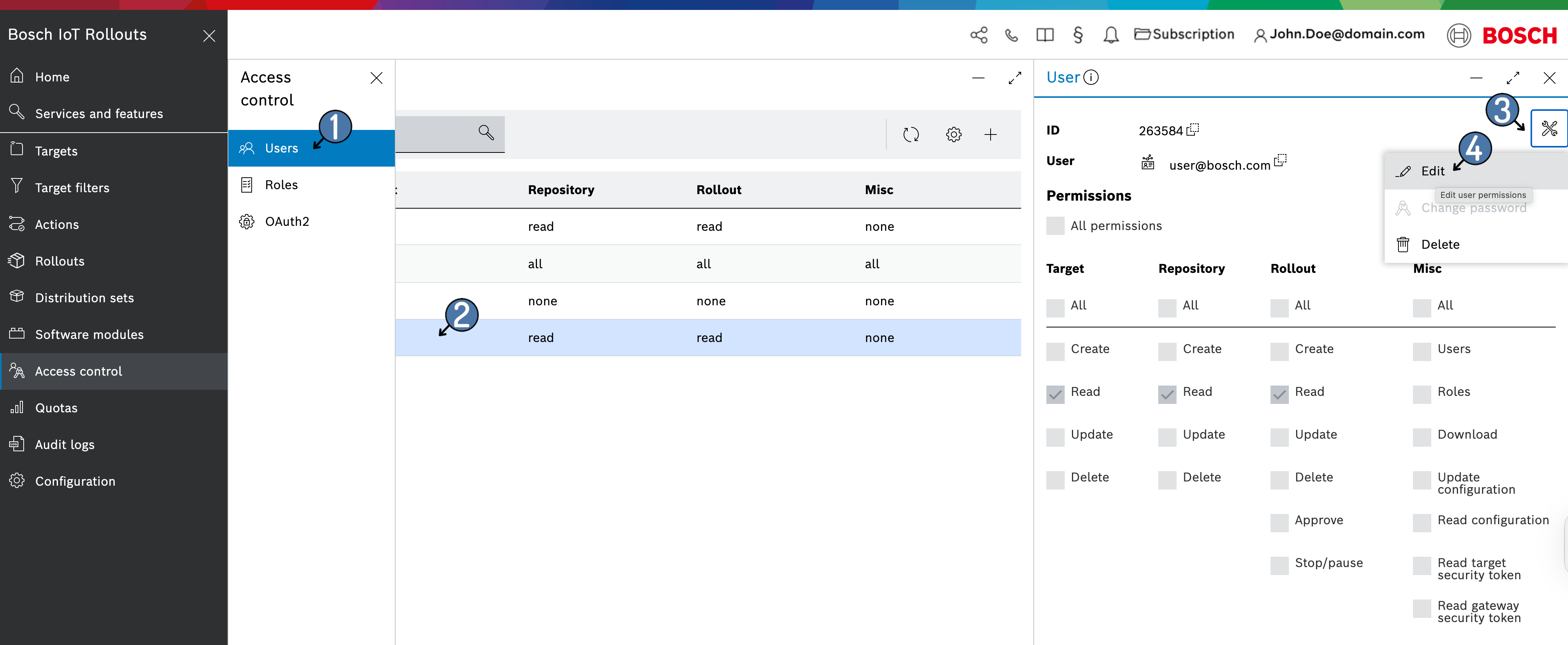
Select Access control from the left navigation, then, in Users, select the user. Then click the user actions  icon in the top-right area of the user properties.
Click the Edit from the drop-down menu.
Change the used Permissions and click Save